How to Use cPanel Complete Beginner’s Guide
If you are new to web hosting, cPanel may look complicated at first. However, once you understand the main tools, managing your website, domains, emails, databases, backups, and security becomes much easier.
In this beginner-friendly guide, we’ll explain how to use cPanel step by step and introduce the most important features you need to manage your website.
What Is cPanel?
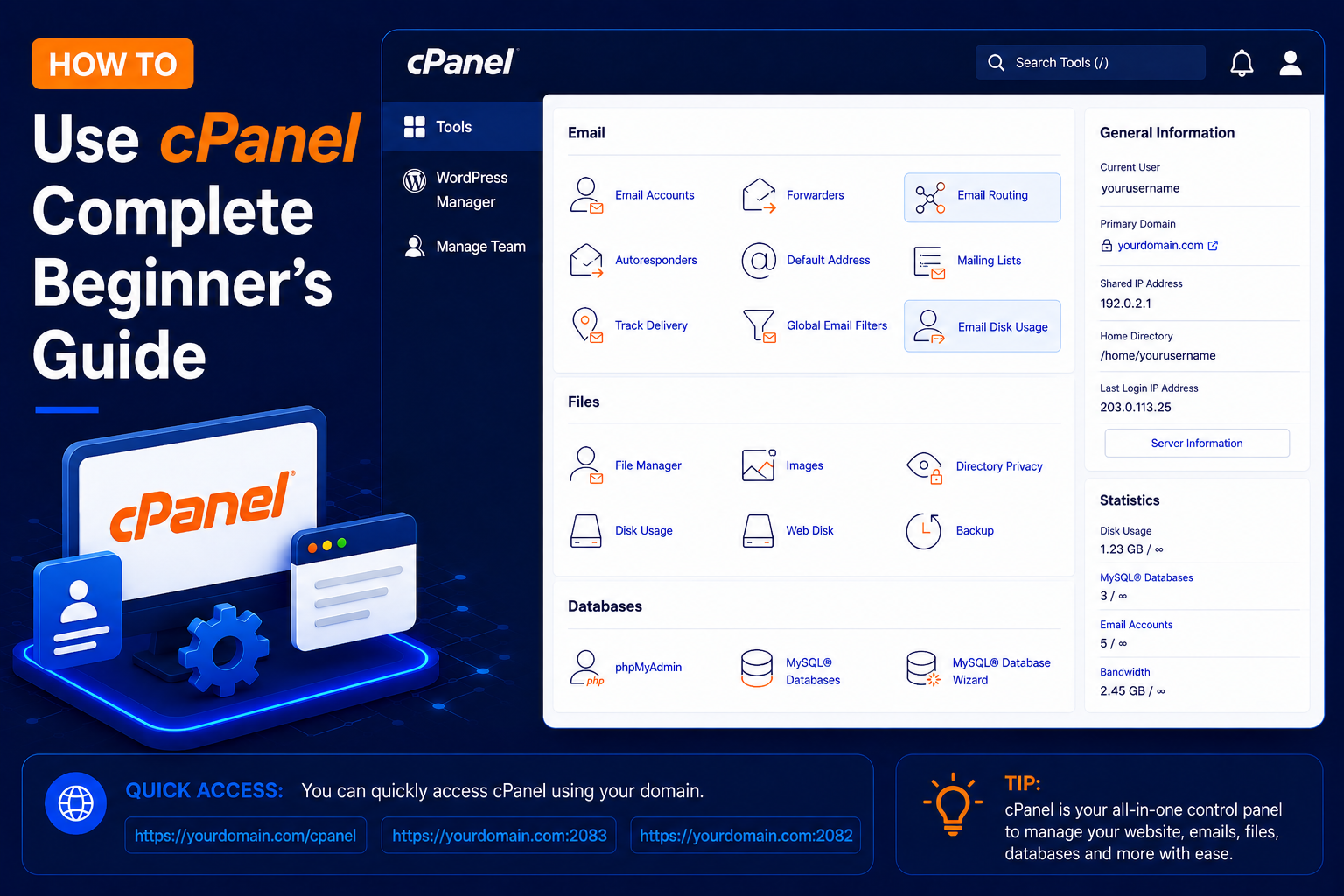
cPanel is a web hosting control panel that provides a graphical interface for managing your hosting account.
Instead of using command-line commands, you can perform most common hosting tasks directly from your browser.
With cPanel, you can:
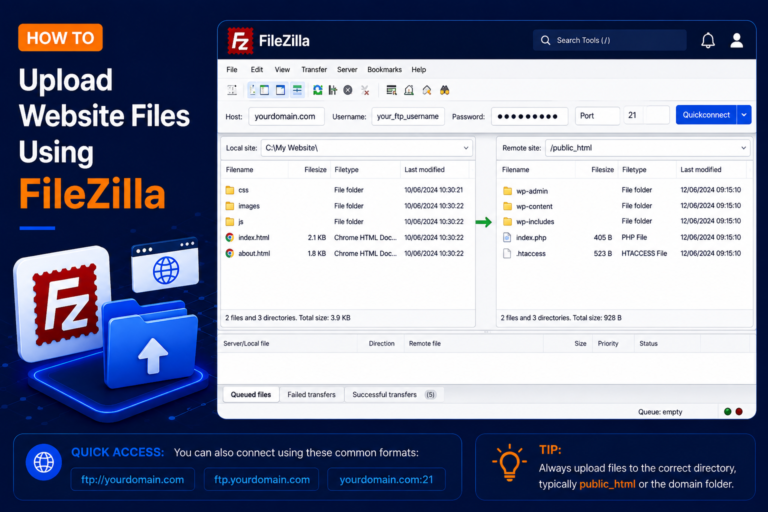
- Manage website files
- Add and manage domains
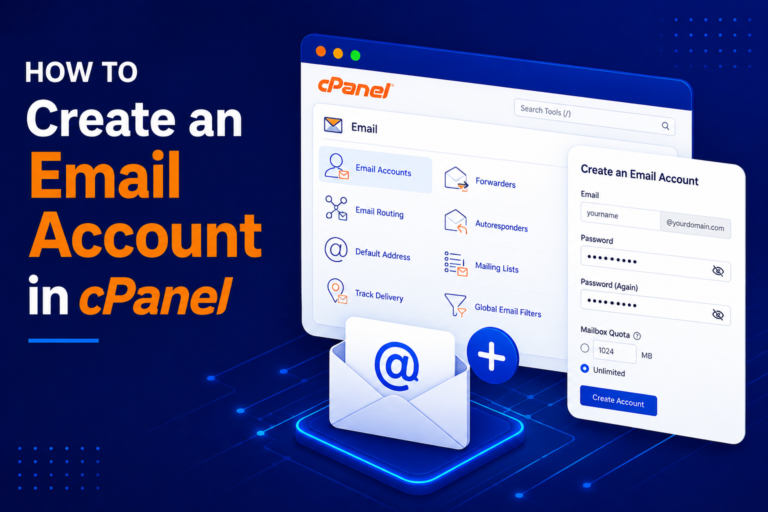
- Create email accounts
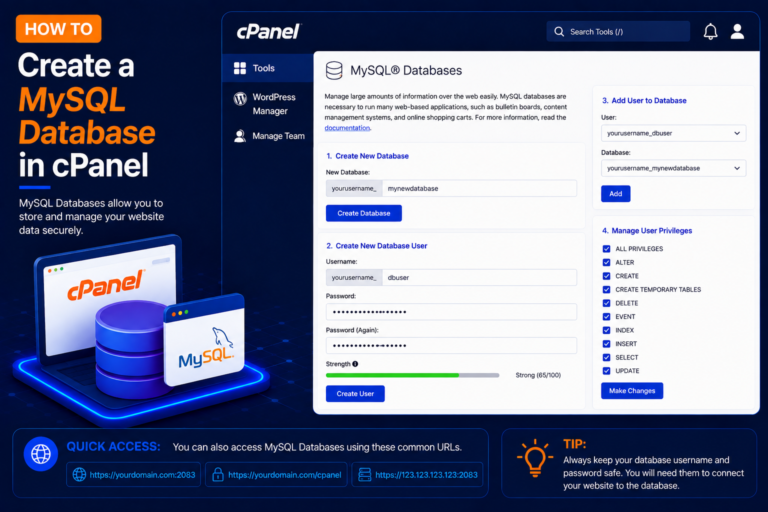
- Create MySQL databases
- Install WordPress
- Manage SSL certificates
- Change PHP settings
- Create backups
- Check website statistics
- Manage security settings