
How to Create the Subdomain and Addon Domain in cPanel
cPanel allows you to host and manage multiple websites and subdomains from a single hosting account. You can create a subdomain for a separate section of your existing website or add an addon domain to host a completely different website.
In newer versions of cPanel, both subdomains and addon domains are generally managed through the Domains interface.
In this guide, we’ll explain how to create a subdomain and addon domain in cPanel step by step.
What Is a Subdomain?
- A subdomain is an extension of your main domain.
- For example, if your main domain is: example.com
- You can create subdomains such as:
- blog.example.com
- shop.example.com
- support.example.com
Subdomains are useful when you want to create separate sections or applications under your main domain.
How to Create a Subdomain in cPanel
Step 1: Login to cPanel
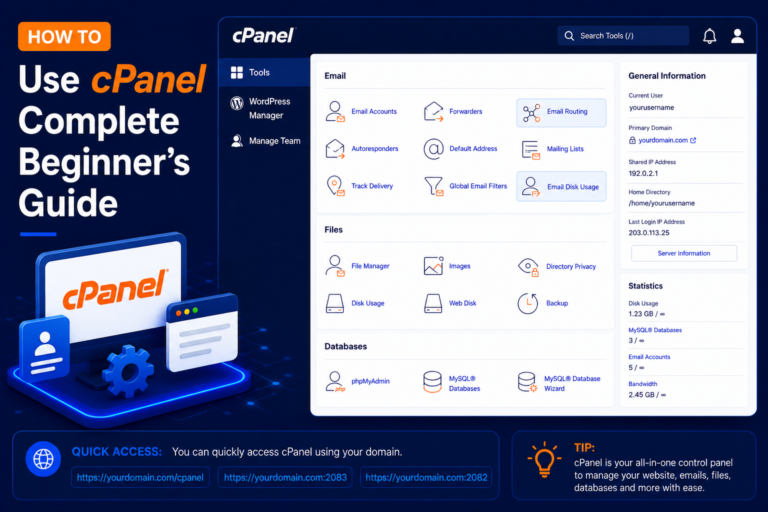
- Open your cPanel login page: https://yourdomain.com/cpanel or https://yourdomain.com:2083
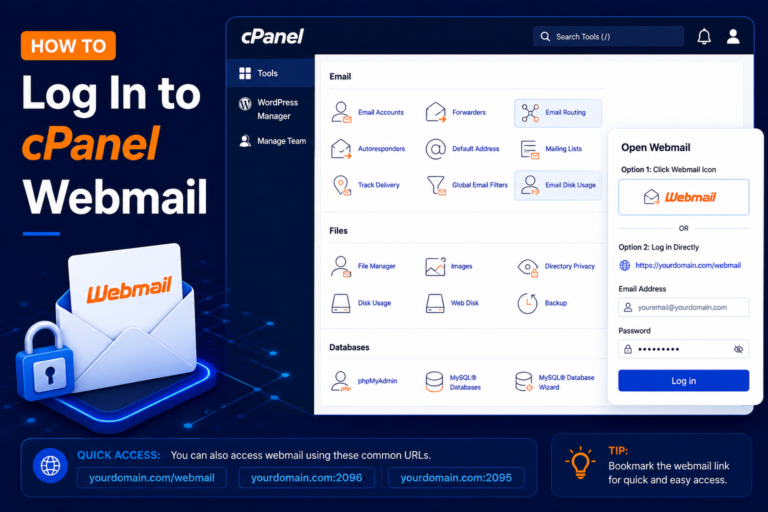
- Enter your username and password, then click Log in.
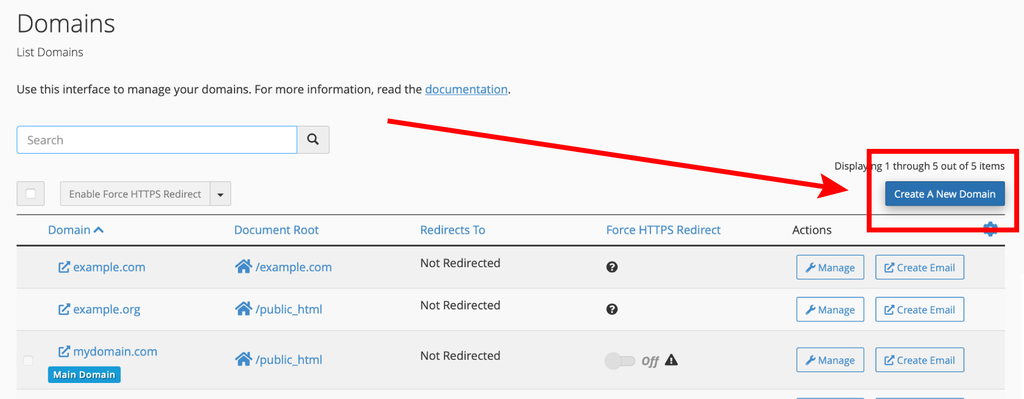
- Go to “Domains”.
- Select “Create new domain”.
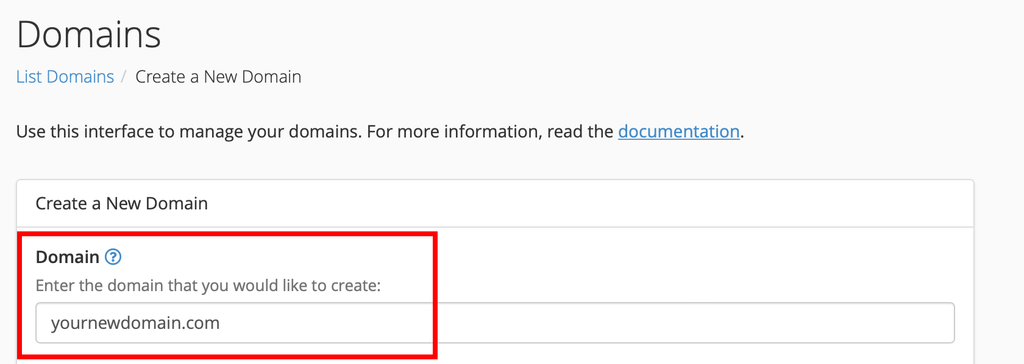
Enter your domain name (e.g., yournewdomain.com)
Remove the tick from “share document root”.
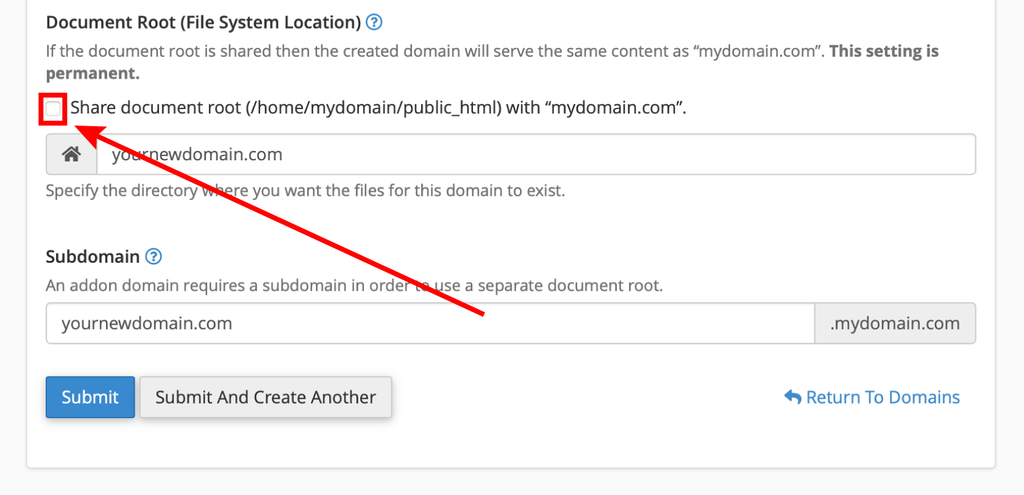
Click on “Submit”.
Your addon domain is now created with its own folder at ‘yourdomain.com’.